
Your words,with a voiceof their own.

Make read-along books and natural audio from your own materials. Choose a built-in voice or clone your own, all locally on your Mac.
7-day trial · 120 synthesis minutes
Apple silicon · macOS 13+
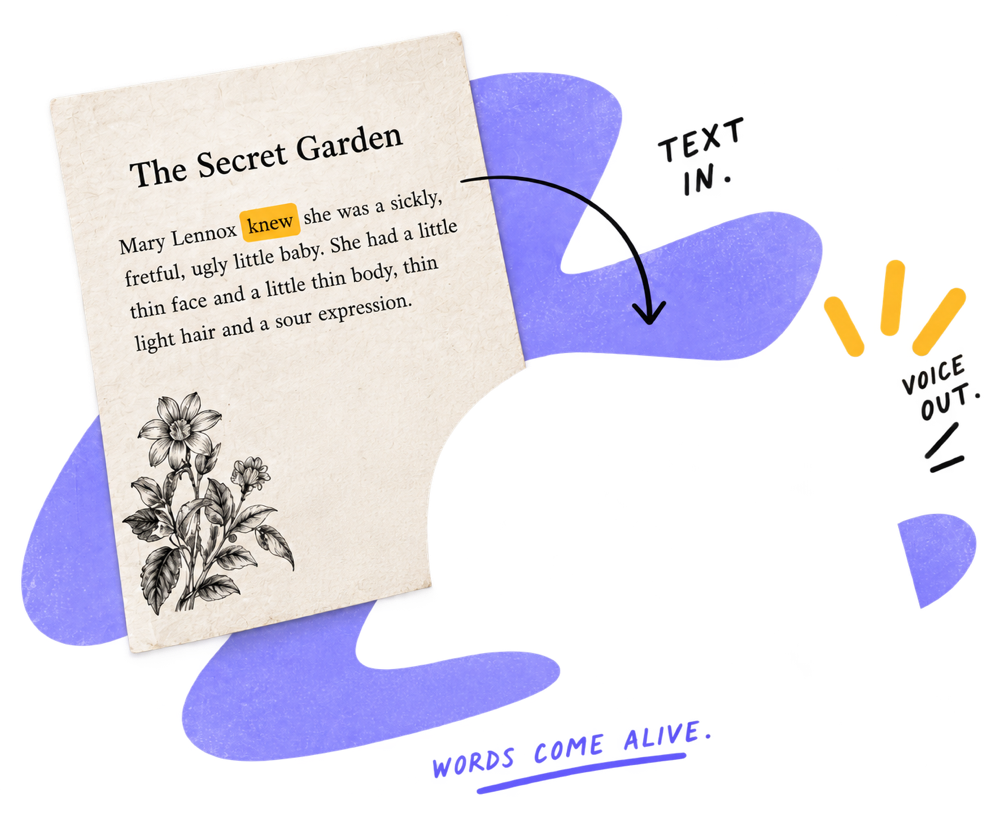
The Secret Garden
Mary Lennox knew she was a sickly, fretful, ugly little baby. She had a little thin face and a little thin body, thin light hair and a sour
For reading practice
Hear the words. Follow along.
For audiobook makers
Your manuscript, ready to listen.
Made on your Mac.
Played anywhere.
Audio, read-along HTML & video.
See it in action
A little text.
A whole new way to listen.
Watch Elmren Voice turn your materials into a finished read-along book.
How it works
Four steps.
One Mac.
- 01
Start with your words.
Paste text or import TXT, MD, EPUB, PDF, DOCX, SRT, VTT or HTML. Scanned PDFs need a text layer.
- 02
Choose a voice.
Pick a built-in voice, clone a permitted recording, or assign voices to the speakers in a script.
- 03
Let your Mac do the work.
Generate locally. Revise and re-render without an upload, account or cloud queue.
- 04
Take your book with you.
Save audio, M4B, read-along HTML or video. Open the finished files wherever you listen.
Your voice library
A voice for every story.
Including your own.
64 built-in voices, or a clone made from a short recording you have permission to use. Download your voice packs once, then create locally.
For family reading practice, use a familiar voice. For an audiobook or a script, choose the voices that fit your material.
Explore voice cloning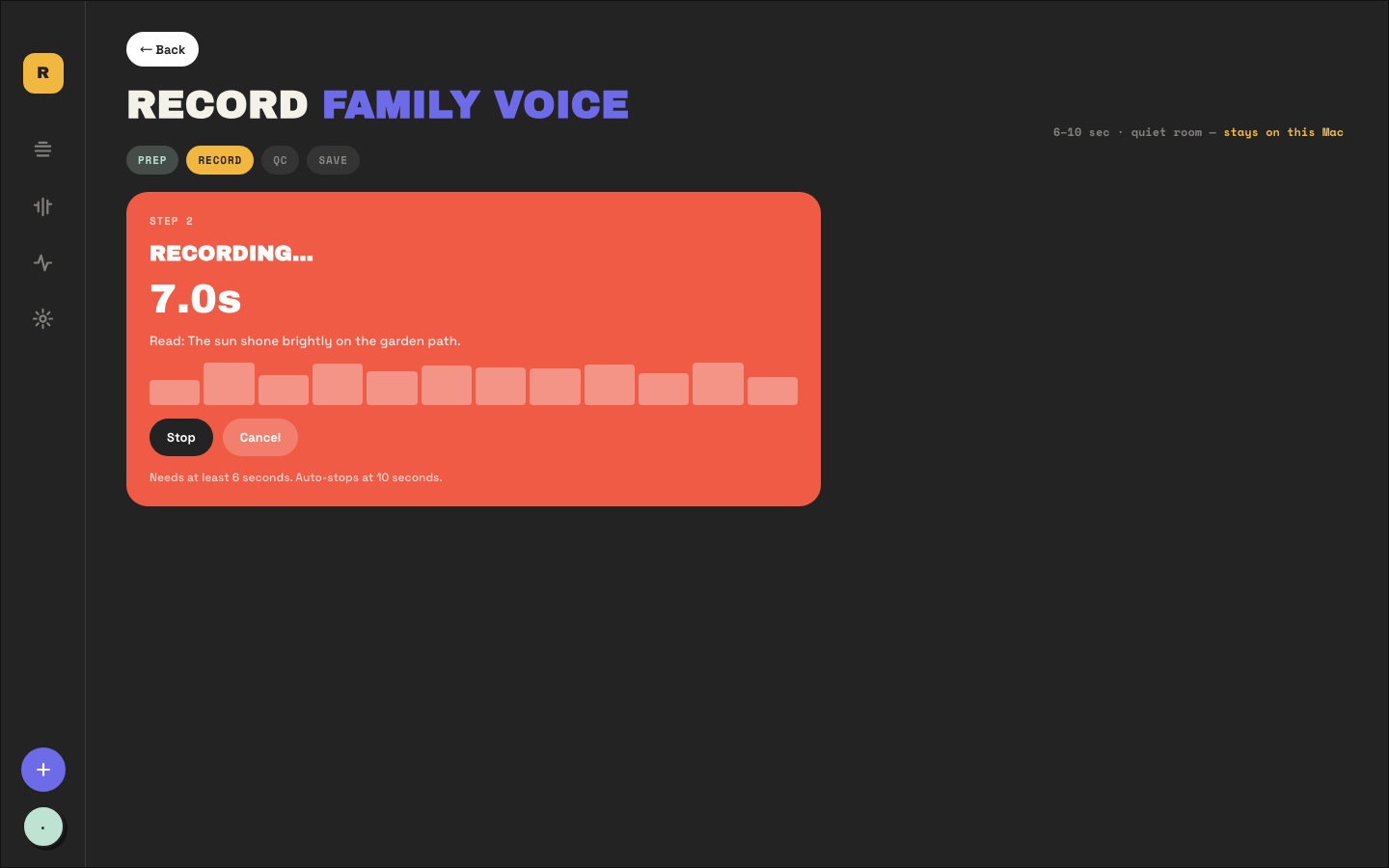
Your finished files
Make something
you can actually use.
Audio & M4B
Chapter audio and navigable audiobooks for your preferred player.
Read-along HTML
Words highlighted as the voice reads. A self-contained page per chapter.
Try the exported playerMP4 video
Readable text, a steady pace and sound, ready for a TV or tablet.
Practical tutorials
Start here.
Make your first book.
Step-by-step guides for bringing your own materials to life.
From a document to your first export
The full walkthrough: import your material, choose a voice, generate and save your finished book.
Read the tutorial PDF tutorialTurn a PDF into audio
Four practical routes, including free built-in tools — and how to handle PDFs without a text layer.
Read the tutorial Audiobook tutorialTurn your EPUB into an M4B audiobook
A local workflow for your own manuscript, with chapters you can navigate in an audio player.
Read the tutorialThe Elmren reading room
Better reading.
Thoughtful listening.
Practical reading guides, privacy advice and honest tool comparisons.
Read-Along Books for Kids: All Five Formats (Plus a DIY for Any Book)
What read-along books really are, the five formats worth knowing — library read-alongs, read-along ebooks, apps, CD sets and a DIY for any book — and how to pick.
Read the articleListening While Reading: What It Is and How to Set It Up
Listening while reading — eyes following the words while a voice reads aloud — is a classic fluency practice. What it helps with and how to set it up at home.
Read the articleText-to-Speech for Dyslexia: A Parent's Practical Guide
How text-to-speech helps kids with dyslexia read homework independently — what the research supports, how to choose an app, and a read-along routine that builds fluency.
Read the articleIs Voice Cloning Safe? How to Clone Your Own Voice Without Uploading It
What actually happens to your voice sample on cloud cloning services, what on-device cloning means, and a five-point safety checklist for any voice cloning app — plus the local route on a Mac.
Read the articleOffline Text-to-Speech in 2026: What Actually Works Without Wi-Fi
True offline text-to-speech needs a local engine, not cached cloud audio. An honest guide to what works without internet — and what "offline" really means in each app.
Read the articleNaturalReader Alternatives in 2026: Six Options With Real Prices
Beyond NaturalReader: Speechify, ElevenReader, Voice Dream Reader, Speech Central, Balabolka and a local one-time Mac app — compared on price, offline use and exports.
Read the articleLocal by default
Your words stay yours.
Your materials, recordings and generated audio stay on your Mac. Day-to-day creation works offline. The one-time engine download and license activation use the network.
Read our privacy policyNo subscription
Pay once.
Keep making.
Local synthesis, voice cloning, Script Mode and every export format in one Mac app.
Full pricing details$39.99
One-time · Lifetime license · One Mac
- Voice cloning and Script Mode included
- Audio, M4B, HTML and video export
- Apple silicon · macOS 13+
- 7-day money-back guarantee
Try first: 120 synthesis minutes within 7 days of first run.
Good questions
A few things
you might be wondering.
Does Elmren Voice upload my files?
No. Text, recordings, cloned voices and generated audio stay on your Mac. The one-time engine and voice-pack download, and license activation and verification, use the network.
How does voice cloning work?
Record a short, clean 6–10 second sample you have permission to use. For the best result, start at a sentence boundary and use an exact transcript. Your reusable voice is saved locally.
What can I export?
Chapter audio, chaptered M4B audiobooks, self-contained read-along HTML, and MP4 video. Your exported files keep working after the trial ends.
What is Script Mode?
Bring a character-based script. Script Mode suggests voices per speaker; you confirm or change them, then generate the production in order.
Which Mac do I need?
An Apple silicon Mac (M1 or later), running macOS 13 or later. One license covers one Mac. A Windows version is in development.
How does the trial work?
120 synthesis minutes within 7 days of your first run. No account or payment method is needed. When the trial ends, you can still open and play your work; a license unlocks further generation.
What if it isn’t for me?
Purchases have a 7-day money-back guarantee. Email hello@elmren.com within 7 days and your refund is handled through Payhip.